
Appearance
Order history (DSR)
Goal
Look up the orders you have issued today or recently — by customer or by date.
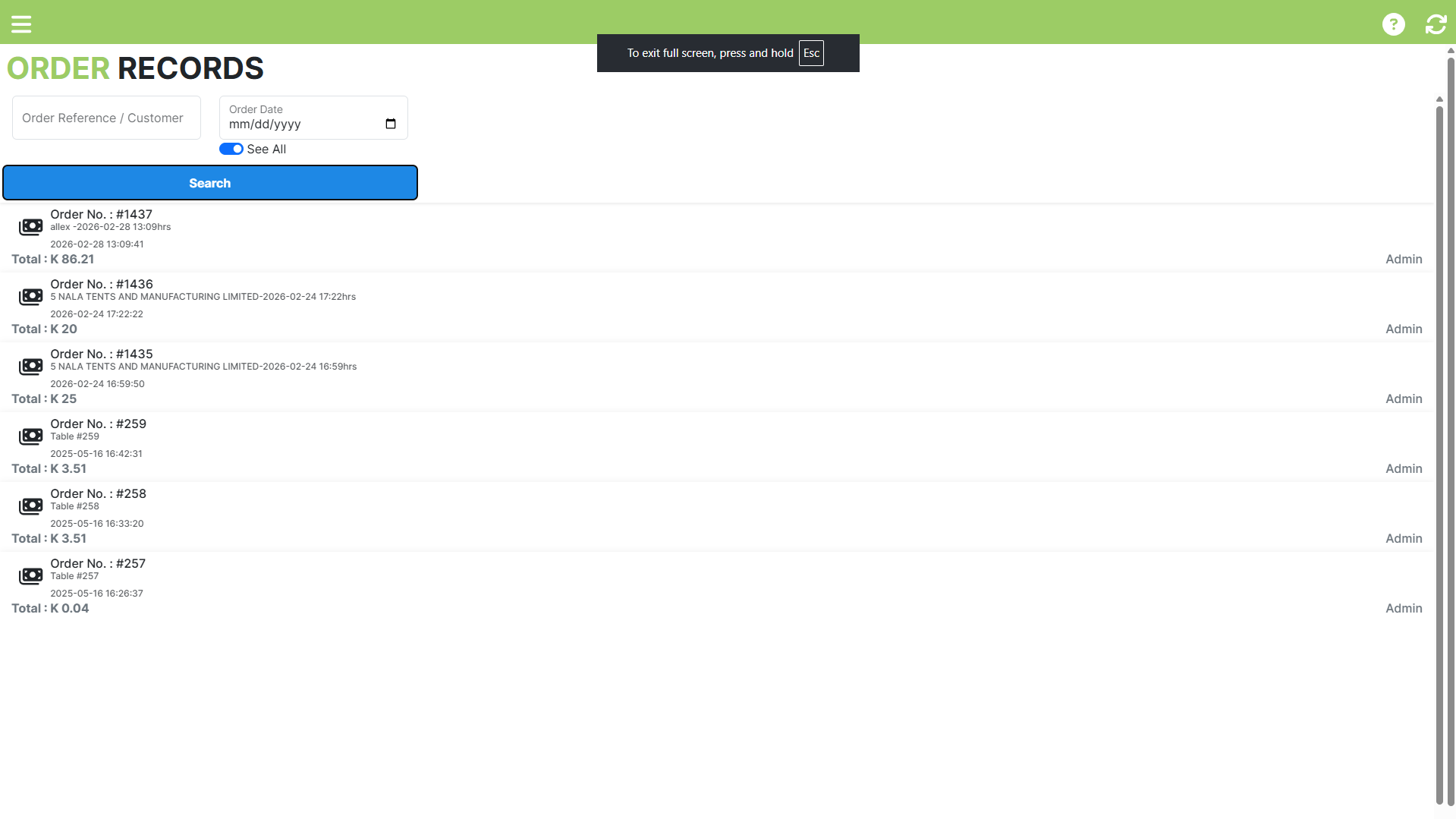 Order Records: search by reference or customer, or flip See All to list every order on the store - each with its total and a print action.
Where this happens
Open the menu and click Order History (the Order Records screen).
Steps
- Enter an Order Reference or Customer name — either one narrows the list.
- Optionally set an Order Date.
- Flip See All if you want every rep's orders, not just your own.`n4. Click Search.
- Review the matching orders. Each row has a print action, so you can re-issue the document on the spot.
Expected result
You can find the orders for a given customer or a given day and re-read what was issued.
Edge cases
- No orders come back. The list is scoped to your own orders on this store; orders issued by other reps appear under Saved Orders. Check the reference spelling.
- You cannot find an order from last year. Search by customer rather than date and widen the date range if the screen offers one here.