
Appearance
Sign in to Analytics
Goal
Get to the Main Dashboard from a clean sign-in — or arrive there directly from a link the back office sent you.
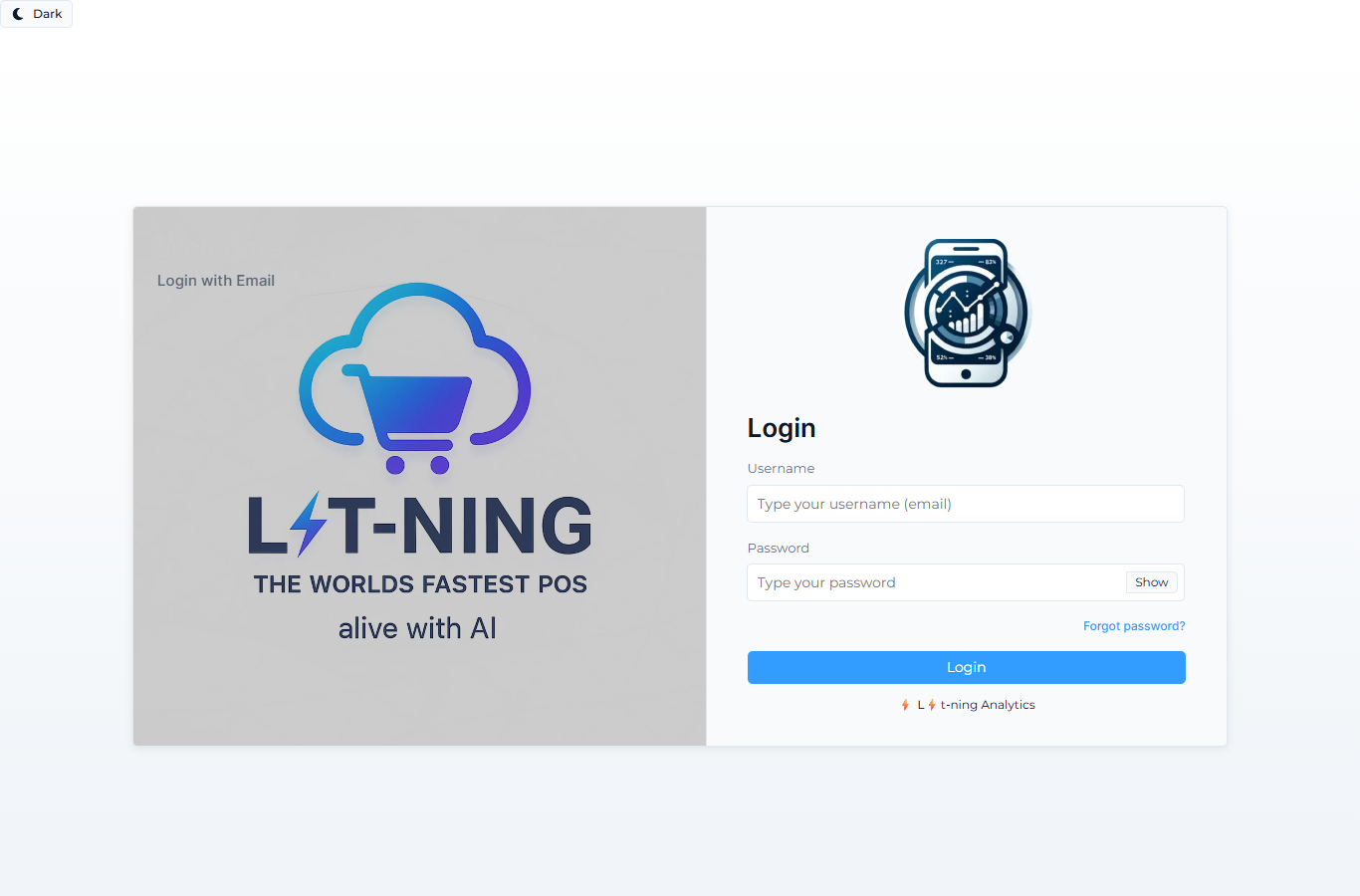 Lytning Analytics v2.2.6 at https://analytics.pos.co.zm/dashboard, captured 2026-10-19.
Sign in manually
- Open https://analytics.pos.co.zm/dashboard (or launch the desktop app).
- Enter your username or email and password — the same sign-in you use for the back office.
- Click Login. The Main Dashboard appears with the store selector top-left and the drawer on the left.
Sign in from a link (auto-login)
The back office, the till app, and the Back Office link on the till can hand you a signed session in the URL. When you click such a link:
- The app reads the session payload from the URL.
- It signs you in with the included email and password and, if present, selects the right store.
- It sends you straight to the destination report — never the sign-in page.
- The credentials are removed from the URL bar for safety.
This is the normal way the till app and the back office open Analytics for a store manager.
Where this happens
On the public Sign In page (/signin) when no session exists, and on the auto-login flow from a deep link. Once you are signed in, the same Layout wrapper hosts every report — the drawer is always one click away.
Expected result
You land on the Main Dashboard with the drawer open on the left, your store (or "All") selected, and the date range filter set to the current period.
Edge cases
- "Sign in failed" with a correct password. Your sign-in is a back-office / franchise user — if your account was disabled in the back office, the analytics sign-in also stops. Ask your franchise owner.
- The app opens to the sign-in page even though you clicked a link. The link's session payload expired or was malformed. Open the URL again, or sign in manually.
- The store list is empty after sign-in. Your franchise has no stores yet, or your user has not been linked to a store. Ask the franchise owner.
- A new device asks for a licence. Analytics is device-bound. The first sign-in registers the device; subsequent sign-ins work normally. The franchise owner authorises the device on the back office.