
Appearance
CashUp report (Analytics)
Goal
Audit every end-of-shift cashup across the franchise — and see which shifts have variances worth chasing.
The CashUp Report is its own section in the drawer. It answers "what did the cashier count at the end of the shift, and what should the till have said".
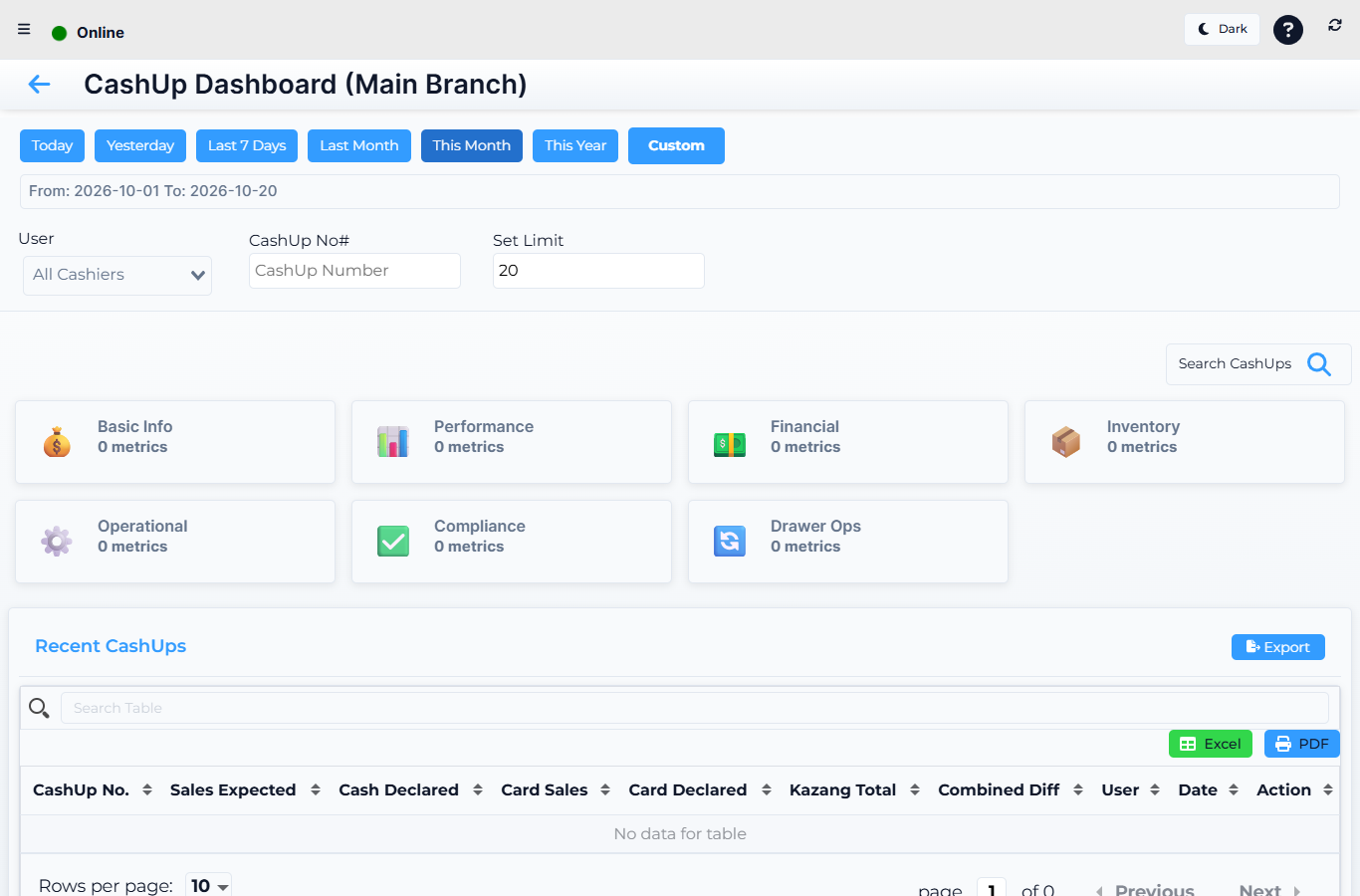 Lytning Analytics v2.2.6 at https://analytics.pos.co.zm/dashboard, captured 2026-10-19. See the evidence doc for the full route inventory.
Where this happens
Open the menu and click CashUp Report. You land on the CashUp Dashboard — the franchise-wide cashup overview.
The reports
| Route | What it shows |
|---|---|
| CashUp Dashboard | Every cashup across the chosen stores in the period — total expected vs declared, total variance, top variances highlighted. Pick the store and date range at the top |
| All Store CashUps | A long, filterable list of every cashup in the period — by date, store, cashier, variance, status |
| Store CashUp Details | A single cashup in full — every sale it covers, every payout, every safe drop, the declared denominations, and the variance vs what the till expected |
How to read a cashup
- On the CashUp Dashboard, pick the store and date range.
- Read the variance card at the top — a positive number is over (cashier counted more than the till said), a negative number is short.
- Drill into any store, then into any cashup, to see the lines behind it.
- On the detail screen, compare the declared denominations to the expected — the gap is usually rounding, but a large or repeated gap on the same cashier is a coaching moment.
- Export to PDF for your records.
Expected result
You can answer "how did last night go, franchise-wide" and "which cashier consistently over/under-counts" from these three screens.
Edge cases
- A cashup is missing entirely. It may still be open on the till — open the till and close the cashup first; it will appear in Analytics once it syncs.
- The variance is huge. Check the till's offline sync (see Working offline) — a till that was offline at cashup time may have missed sales that arrived later and would re-open the variance.
- All Store CashUps is huge. Narrow the date range or pick a single store. Use the filter row to search by cashier name.
- The Store CashUp Details screen shows sales you don't recognise. They are real sales — possibly from refunds, credit notes, or safe drops; expand each line for the origin.
Related
- Analytics — the franchise reporting app
- Float and cashup (Retail POS App) (the till-side cashup flow)
- Working offline (offline-data caveats)