
Appearance
Accounts / debtors / creditors reports (Analytics)
Goal
See who owes the business, who the business owes, and what every account has been doing.
The Accounts Reports section in the drawer is the single entry point. It groups the debtors (people who owe us), creditors (people we owe), and the AR/AP combined view.
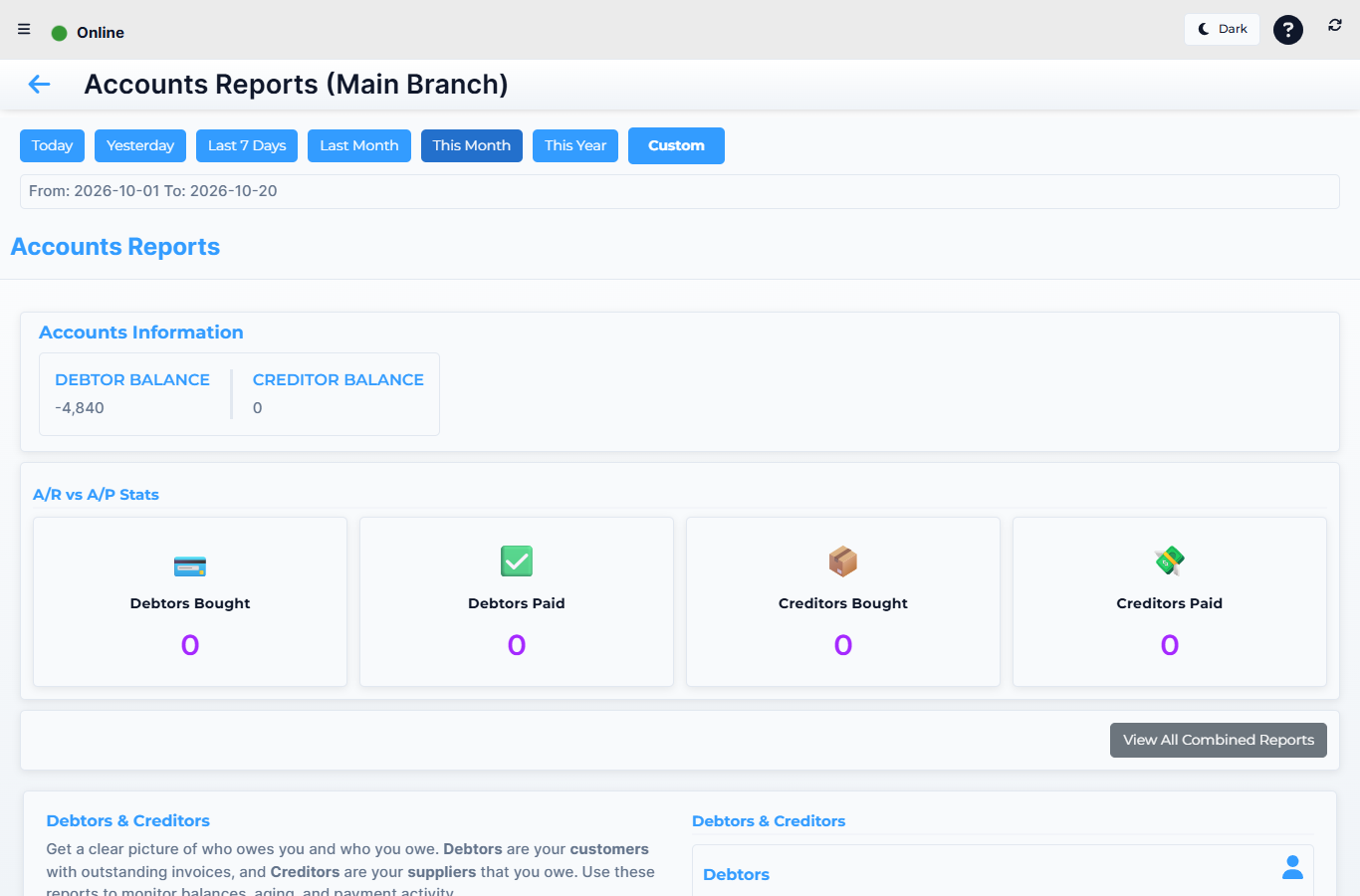 Lytning Analytics v2.2.6 at https://analytics.pos.co.zm/dashboard, captured 2026-10-19. See the evidence doc for the full route inventory.
Where this happens
Open the menu and click Accounts Reports. You land on the accounts hub.
The reports
| Group | Route | What it shows |
|---|---|---|
| Hub | Accounts Reports | The accounts home — totals for debtors, creditors, and AR/AP, with shortcuts into each |
| Debtors | Debtors | Every debtor (credit-account customer) with their current balance, last payment, and a per-debtor drilldown |
| Combined Debtors | The debtors roll-up across all stores in the franchise — the headline number for the franchise owner | |
| Debtor Activity (per-debtor) | Every transaction for a single debtor — sales, payments, returns, credit notes, in date order | |
| Creditors | Creditors | Every creditor (supplier we owe) with their current balance and a per-creditor drilldown |
| Combined Creditors | The creditors roll-up across all stores | |
| AR / AP | AR / AP Transactions | Every Accounts-Receivable and Accounts-Payable transaction in one view, grouped by counterparty — the combined "who owes whom" ledger |
How to read an accounts report
- Pick the store (or "All") and the date range.
- Read the totals at the top (debtors total, creditors total, AR vs AP).
- Click a counterparty to drill into their transactions.
- Export to PDF or Excel for the month's review.
Expected result
You can answer "who owes us the most", "who do we owe", and "what is the net debtor-creditor position of the franchise" from one section.
Edge cases
- A debtor is missing from the list. They may not be linked to the chosen store, or they have a zero balance. Try "All" or check the back office.
- The debtor's balance does not match the till. Confirm the till's sales are synced and any refunds/credit notes are posted. The till-side debtor card and this report should match within minutes of a sync.
- AR / AP totals don't match the back office. The back office is authoritative; the analytics reports lag by the sync interval. If the gap persists, raise a ticket.
- A debtor activity row references an invoice you don't recognise. Drill into the invoice — see Invoices, reprints and refunds (Retail POS App) for the till-side view.
Related
- Analytics — the franchise reporting app
- Sales reports
- Finance reports
- Layby, loyalty and accounts (Retail POS App) (where debtor customers are created)